Discord PFP maker — an original avatar, drawn by AI.
Describe how you want to look in chat — ears, hair, colors, the vibe — and this Discord PFP maker draws 4 original avatars with AI for you to choose from, and the credits you get for signing up cover them. Nothing is pieced together from preset parts. Keeping the one you choose costs credits, and it comes as a transparent PNG with its own talking and blinking frames.
200 credits on sign-up — full-quality designs, no watermark, no card.See pricing
Made here, cropped round
Avatars from this Discord PFP maker, big and small.
A profile shows your avatar big; chat and member lists show it tiny. A Discord avatar maker worth using gives you a face that reads at both.
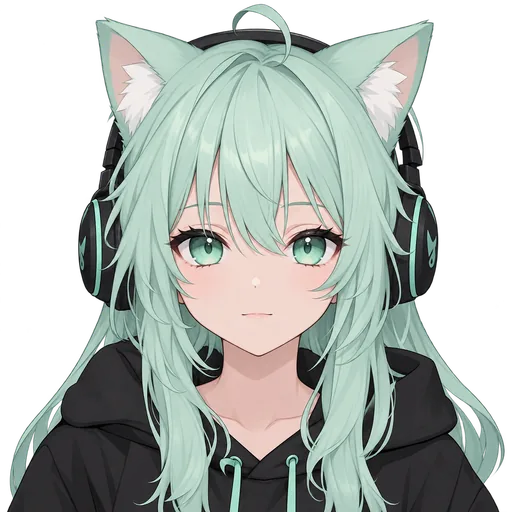
Mint Gamer
Cat ears and gaming headphones
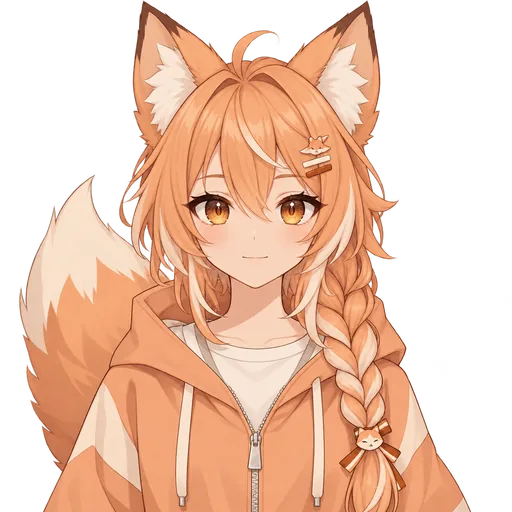
Fox Streamer
Fox ears and an orange braid
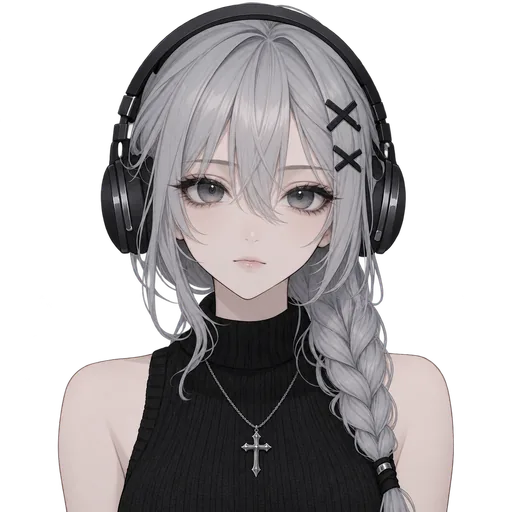
Soft Goth
Big headphones and X hair clips
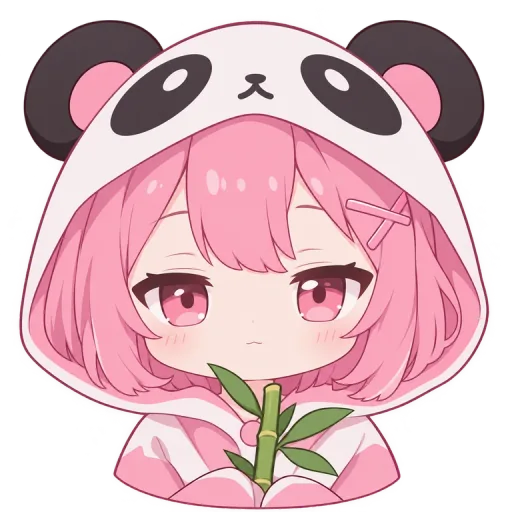
Panda Hoodie
A panda-eared hood
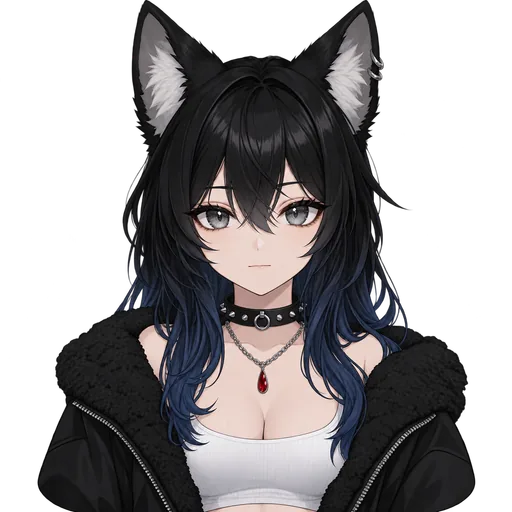
Wolf Girl
Wolf ears and blue-tipped hair
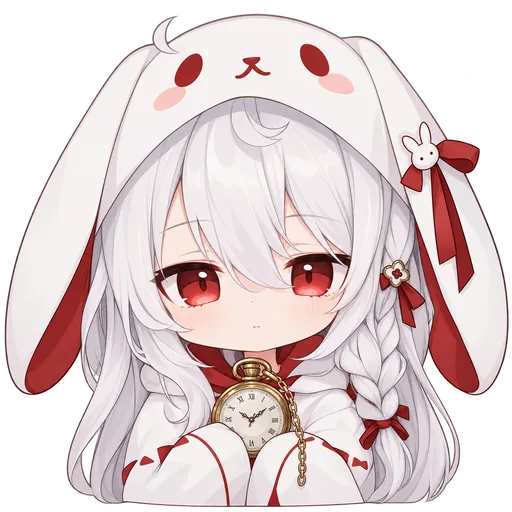
Rabbit Hoodie
A bunny-eared hood and red eyes
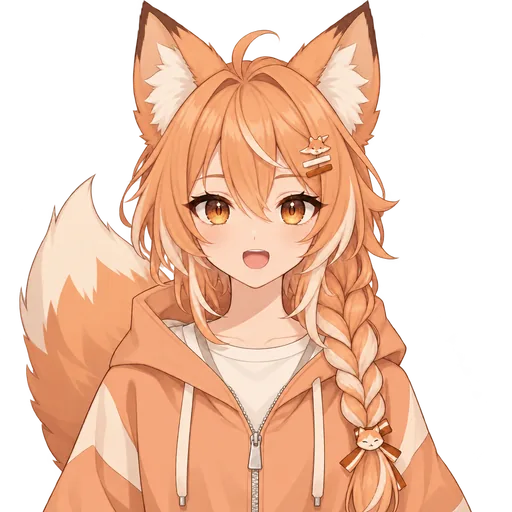
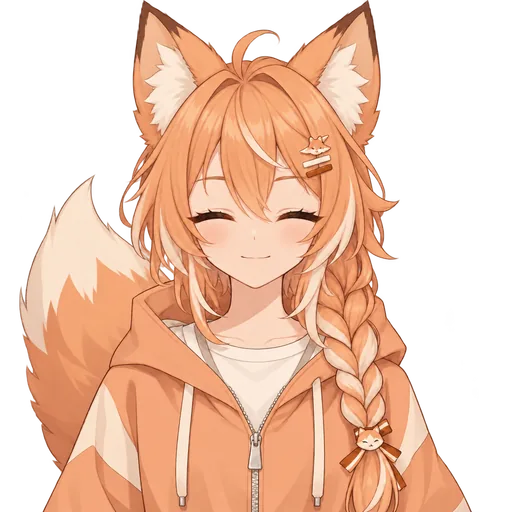
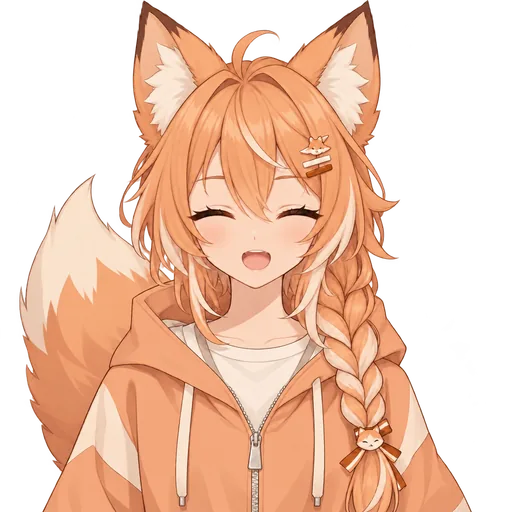
And the same character can talk.
Keeping an avatar also gets you its talking and blinking frames. This is Fox Streamer’s set on a loop; on stream, the mouth follows your mic and the eyes blink on a timer.
Use it for Discord reactive imagesAll of these were made with this generator: Mint Gamer and Fox Streamer from a one-line description, the rest redrawn by the AI from reference pictures. They’re also in our free PNGTuber pack on itch.io, free to download without an account and to use without crediting us. That means anyone can use them as they are, so for a face that’s yours, describe it above.
How it works
Make a Discord PFP in four steps.
From one sentence to the circle beside your name, with the price on every step.
Describe your avatar
Ears, hair, colors and the one thing people should know you by. You don't need an account to write it.
FreeYour ideaA mint-haired gamer girl with cat ears, a black hoodie, and headphones.
Choose from 4 avatars
Once you sign in, 4 original avatars of your idea are drawn at full quality, side by side.
Free with sign-up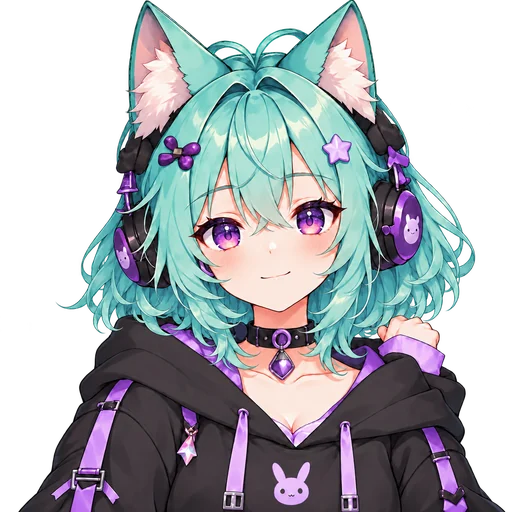
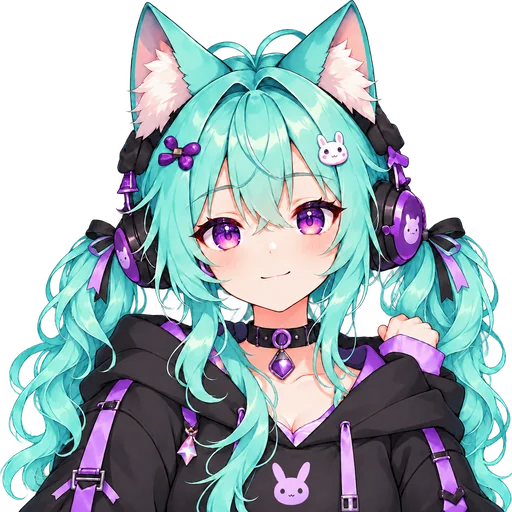
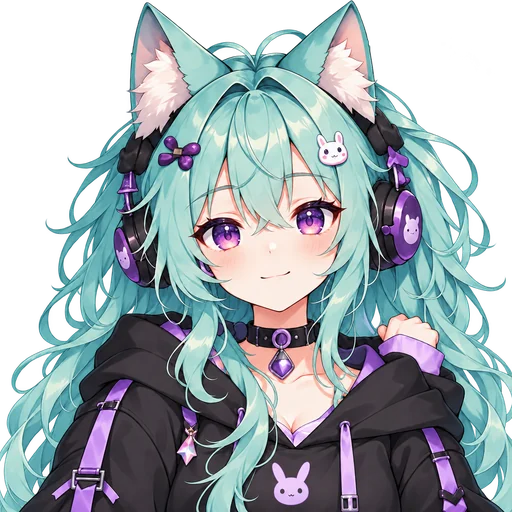 Selected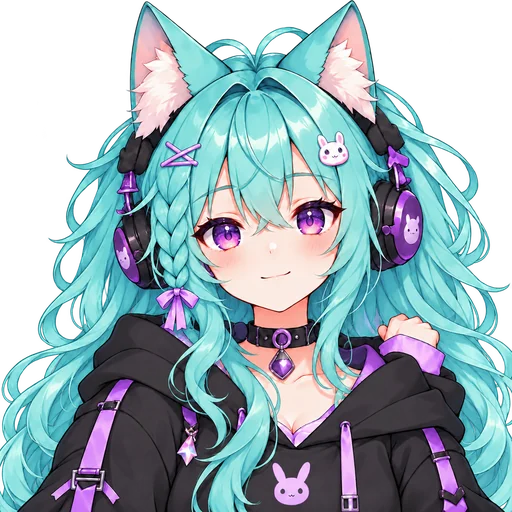
4 designs 1 favorite
Keep your favorite
Until your first purchase, your pick is then drawn talking and blinking in a free, watermarked preview. Keeping it takes 120 credits and unlocks the downloads; if it's your first purchase and it comes within 48 hours of your first preview, $3.99 buys 400 credits.
120 credits4 transparent PNGsIdle
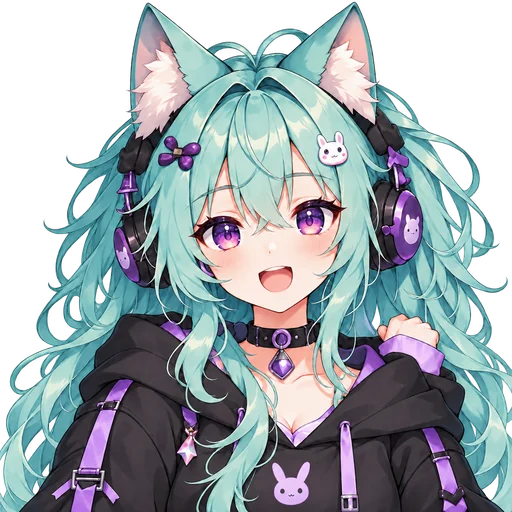
Talking
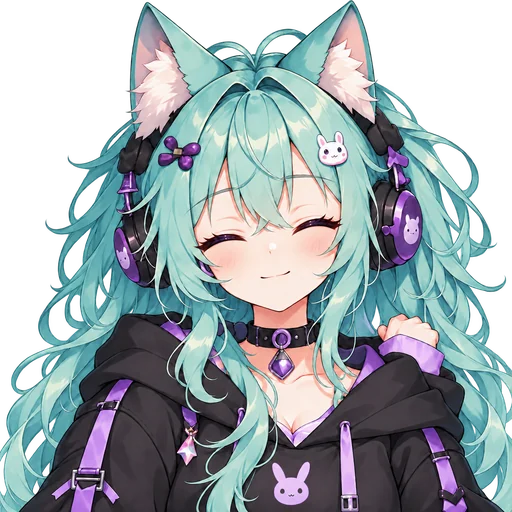
Blink
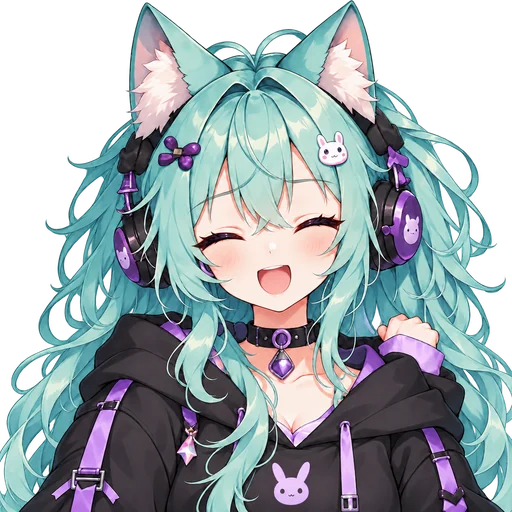
Talking + blink
Set it as your avatar
Upload the PNG to your Discord profile and zoom until the face fills the circle. Its talking frames are ready for OBS, too.
FreeOBS ready
In Discord
How to set it as your Discord avatar.
A Discord avatar generator usually stops at the file. Here is the rest, in Discord on a computer; menus move, so look for your profile settings if a name has changed.
- 1
Download the idle frame
After you keep your character, download its PNG files. Use the idle frame: eyes open, mouth closed.
- 2
Open Profiles
In Discord, open User Settings and choose Profiles.
- 3
Choose Change Avatar
Pick the idle PNG from your downloads.
- 4
Zoom, position, save
Discord shows your picture in a circle. Zoom and drag until the face fills most of it, apply it, then save your changes.
Small-size check
Tips for a Discord PFP people know at a glance.
Most of the time your avatar is a small circle next to your name. Four things keep it recognizable there.
Face big, in the middle
Designs here are drawn head and shoulders, facing you, so there's room to zoom. Let the face fill most of the circle; at chat size, anything smaller is a smudge.
One signature item
Cat ears, big headphones, a hood with ears on it: name one in your description. In a busy member list it's what people spot first, the way Panda Hoodie's hood is.
Colors that stand apart
A transparent PNG sits on whichever Discord theme each viewer picked, dark or light. A mostly black character needs one bright accent, like Wolf Girl's blue tips; a mostly white one, a strong color, like Rabbit Hoodie's red.
Judge it small
Before you keep a design, look at all 4 at thumbnail size. The one you still recognize at a glance is your avatar.
On a dark background
On a light background
Comes with keeping it
More than a profile picture.
A Discord PFP generator usually stops at one picture. Keeping yours adds its talking and blinking frames, so the face people know from chat can join your stream.
A PNGTuber in OBS
One link adds it to OBS 28 or newer, where it talks along with your mic and blinks by itself. Streamlabs can’t use the link, so there you load the PNG files into veadotube mini or another free PNGTuber app and capture that window.
Reactive images
The frames you kept also work as Discord reactive images. That page shows how to set them up.
Discord PFP maker questions.
Is this Discord PFP maker free?
You can start for free: writing your idea here needs no account. A new account gets 200 credits without a card, enough for your first 4 avatar designs at full quality, and they last 30 days. Until your first purchase, your pick is then drawn talking and blinking in a free, watermarked preview. To download a design you keep it, which takes 120 credits — 40 more than the sign-up credits leave after that first round — so it needs a pack: your first purchase gets 400 credits for $3.99 when it's made within 48 hours of your first preview; after that, the Starter pack is $9.90, or about $2.38 for each finished character. Every cost is on the button before you spend anything, and a generation that fails is refunded automatically.
What size should a Discord avatar be?
Discord shows avatars small, in a circle, and lets you zoom and position the picture as you upload it, so what matters is a square file with the face near the middle. Yours is a transparent PNG at least 1024 pixels square: plenty to zoom into.
Can I use a transparent PNG as my Discord avatar?
Yes. The space around your character shows Discord's own background color, dark or light with the theme. For a colored circle instead, put a background behind the character in any image editor before you upload.
Can I make a matching avatar from my own picture?
Yes, once you have an account: add a selfie, a sketch or your current avatar as a reference in the generator, and the 4 designs are drawn from it, loosely (“Inspired by it”) or close to the face, hair and colors (“Keep the likeness”). We send it to our AI image provider to draw the designs, so upload only pictures you have the right to use; remove it and the file is deleted.
Can I use it on other sites?
Yes, it's yours. Use the same avatar on Twitch, YouTube, X or anywhere else that asks for a profile picture, and stream with the character on monetized channels. You don't need to credit us.
Is it original?
Yes. The AI draws each design new from your description, where a dress-up Discord avatar creator combines parts from one kit that everybody shares. Only this page's examples are shared: they're in a free pack anyone can download.
Can I download a design without keeping it?
No. The 4 designs are for choosing; downloads come with keeping one. That takes 120 credits and gets you clean PNG files of the avatar and its talking and blinking frames, with the cost on the button before you confirm.
More for your Discord and your stream
Make the face your server knows you by.
Describe it, compare 4 original designs on your free sign-up credits, and keep the one you’d recognize at any size.