Make Discord reactive images with AI.
Discord reactive images are pictures of your character that react when you speak in a voice call: an inactive image while you’re quiet, a speaking one while you talk. Describe your character and the AI draws 4 original designs to pick from, free with your sign-up credits. The one you keep comes as matching transparent PNGs, ready for a reactive-images tool and your stream.
200 credits on sign-up — full-quality designs, no watermark, no card.See pricing
Voice channel
Made with this generator
Six Discord reactive image pairs, inactive and speaking.
Each character is the pair a reactive-images tool asks for: mouth closed and mouth open, on a transparent background. Mint Gamer and Fox Streamer were drawn from a one-sentence description; the AI redrew the other four from reference pictures.
Mint Gamer
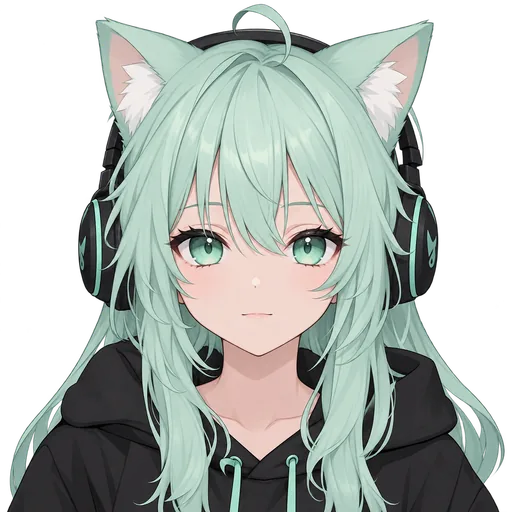
Inactiveidle frame 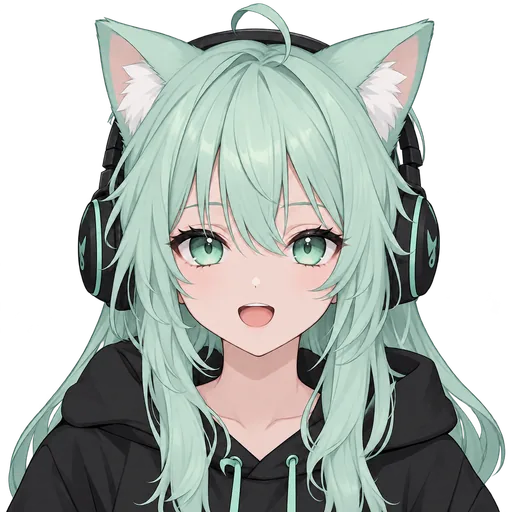
Speakingtalking frame Fox Streamer
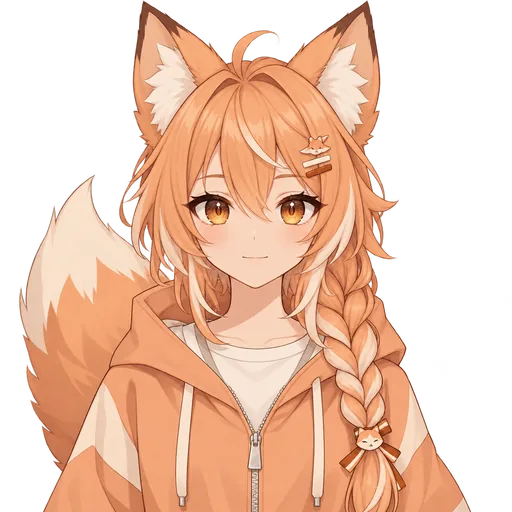
Inactiveidle frame 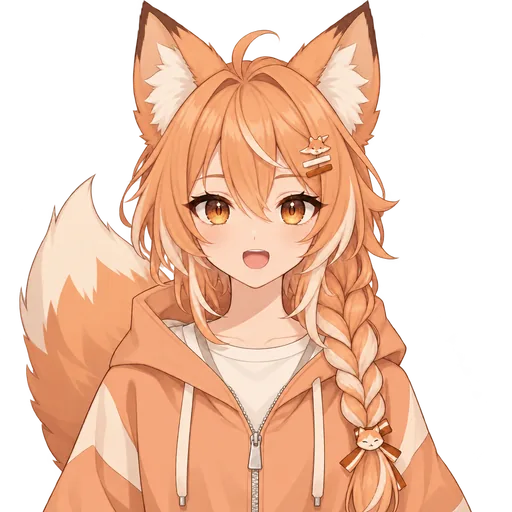
Speakingtalking frame Soft Goth
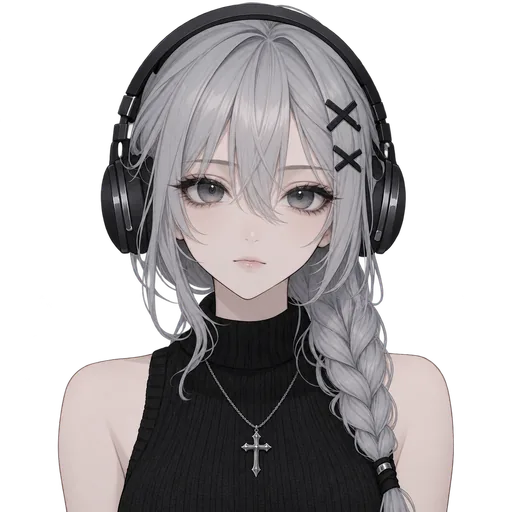
Inactiveidle frame 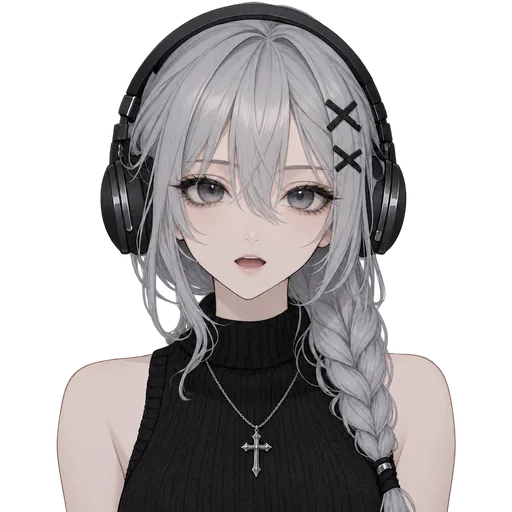
Speakingtalking frame Panda Hoodie

Inactiveidle frame 
Speakingtalking frame Wolf Girl
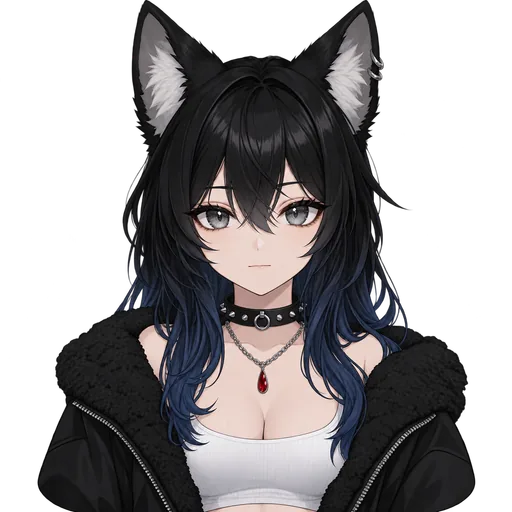
Inactiveidle frame 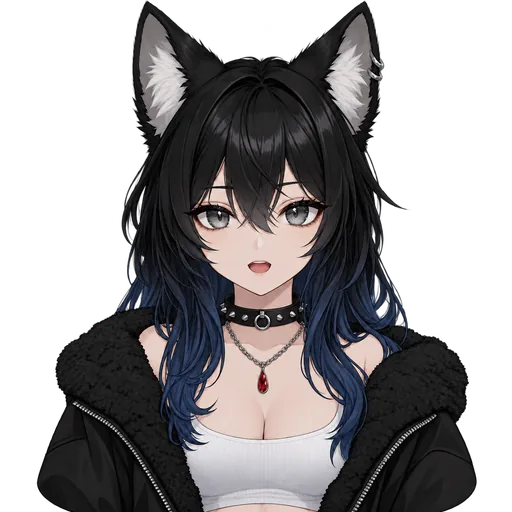
Speakingtalking frame Rabbit Hoodie

Inactiveidle frame 
Speakingtalking frame
Need a pair today?
All six are in our free PNGTuber pack on itch.io as 1024×1024 transparent PNGs: idle, talking, blink and blink-talking frames, plus an angry pair for Mint Gamer. Free to use on monetized streams and in videos, no credit required, no account needed.
How it works
Make Discord reactive images in four steps.
From one sentence to a speaking and inactive pair, with the cost on every step.
Describe your character
Who are they? Hair, outfit, animal ears, mood. Writing it takes no account.
FreeYour ideaA mint-haired gamer girl with cat ears, a black hoodie, and headphones.
Pick from 4 designs
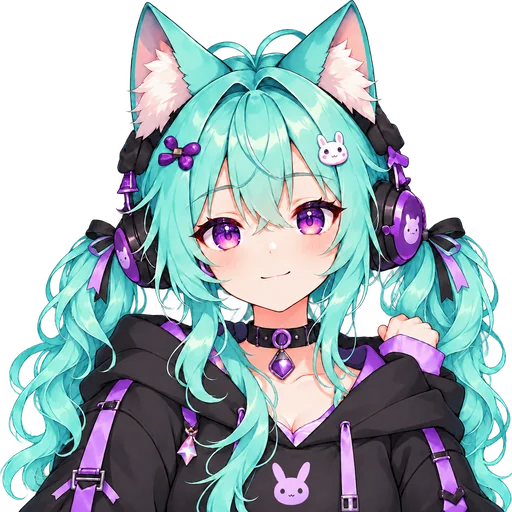
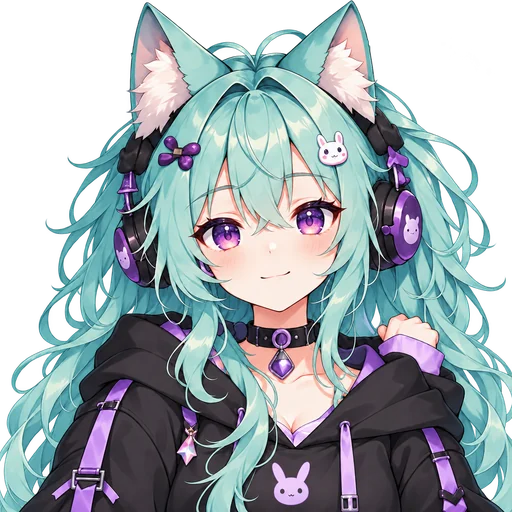
Sign in and the AI draws 4 original characters at full quality. Choose the one your call will see.
Free with sign-up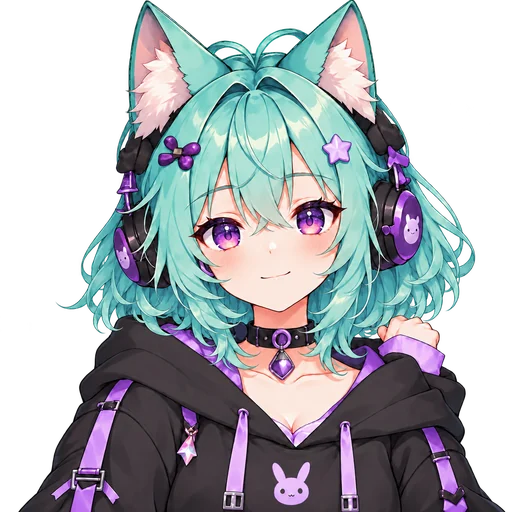
 Selected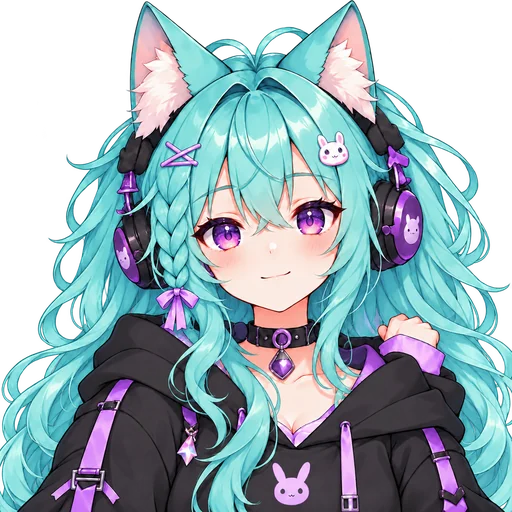
4 designs 1 favorite
Watch it talk
Your pick is drawn into 4 transparent frames, the speaking and inactive pair plus two blinks, and talks with your mic in a watermarked preview, free until your first purchase.
Free preview4 transparent PNGsIdle
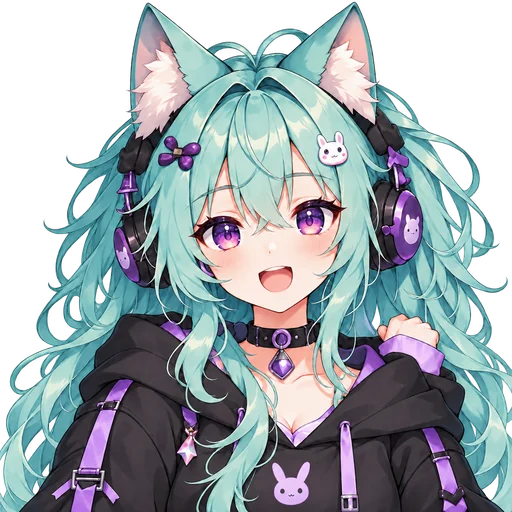
Talking
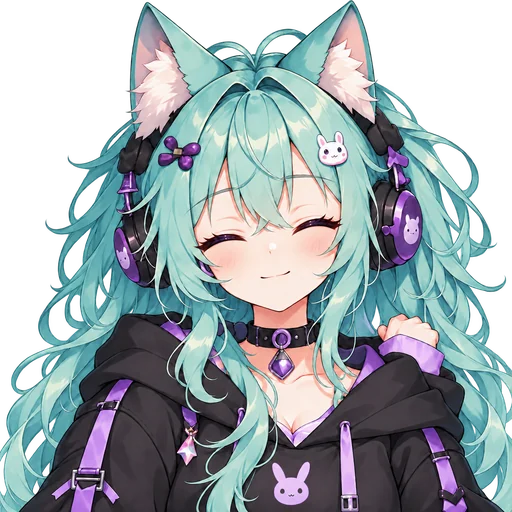
Blink
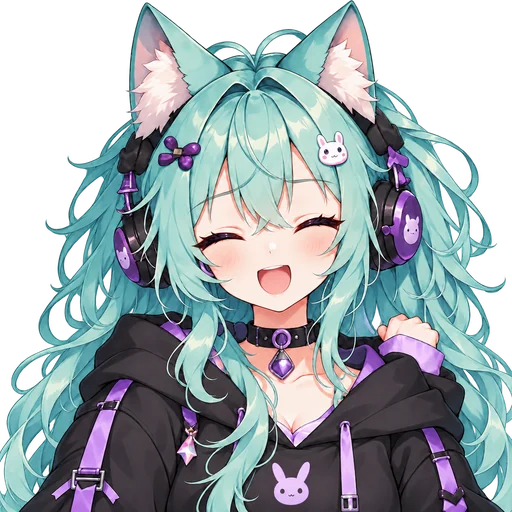
Talking + blink
Keep it, download the PNGs
Keeping the frames costs 120 credits; a first purchase made within 48 hours of your first preview gets 400 credits for $3.99. Then the clean PNGs are yours to download.
120 creditsOBS ready
Setup guide
How to set up Discord reactive images in OBS or Streamlabs.
From the downloaded PNGs to a browser source that talks when you do. The example tool is Reactive by FugiTech: it isn’t ours, its basics are free with paid extras, and these steps describe it at the time of writing.
Which frame goes in which slot
Speaking (active)
talking.pngInactive
idle.png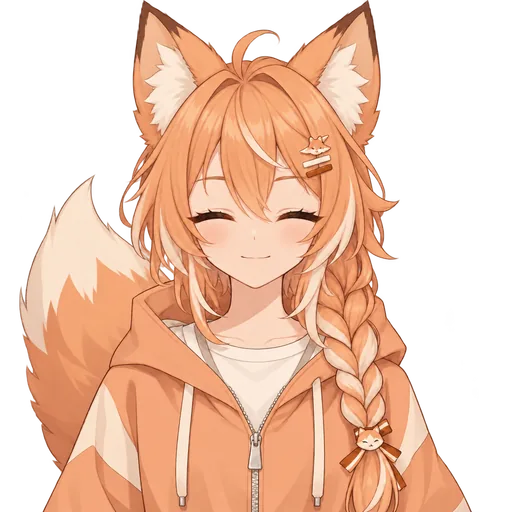
Muted
blink.pngoridle.pngDeafened
blink.pngoridle.png
Muted and deafened are a suggestion, not a rule: one image can fill every slot. The blink frame’s closed eyes make a muted friend easy to spot.
- 1
Download your frames
Keep your character, open Download PNGs and save the ZIP. Its neutral folder holds
idle.png,talking.png,blink.pngandblink-talking.png, all with transparent backgrounds. - 2
Sign in with Discord
Open reactive.fugi.tech (opens in a new tab), log in with your Discord account and authorize the app.
- 3
Add a model
A model takes up to four images: speaking (active), inactive, muted and deafened. Upload
talking.pngas speaking andidle.pngas inactive, then fill the other two as shown above. - 4
Choose the extras
Optional settings change how the call looks, such as bouncing whoever is speaking, dimming the others or showing names.
- 5
Copy a source link
The tool lists a source link for each person in the call, plus a group source with everyone. Copy yours for a solo overlay or the group one for a collab.
- 6
Add it as a Browser Source
In OBS, press + under Sources, choose Browser and paste the link. Streamlabs and other streaming apps with browser sources take the same link, and the background stays transparent.
The images react to your voice in the Discord call, so join the call before you go live.
Two ways to go live
A Discord PNGTuber or an OBS one? Same frames, two setups.
Every character you keep works both ways. What differs is what each one listens to.
Best for groups
Discord reactive images
- Follow your voice in a Discord voice call
- Can show everyone in the call, not only you
- Work anywhere a browser source does: OBS, Streamlabs and more
- Need the Discord call running while you stream
Suits collabs, group streams and podcasts.
Best for solo streams
Our OBS link
- Follows your microphone in OBS, with no Discord call
- Shows your character on its own
- Talks in OBS 28 or newer, never in Streamlabs
- Uses all four frames, so your character blinks on its own too
- Once you’ve bought credits, each expression you add gets its own link
Suits solo streams in OBS.
Streaming solo in Streamlabs? Load the PNGs into a free PNGTuber app such as veadotube mini and capture its window.
For your whole server
Reactive images for Discord groups: a character for everyone.
Everyone in the call can have a character, not just the host: each friend makes their own here, on their own account, with their own sign-up credits for a first round of designs.
Agree on the style words
Put the same art style in every description, say “soft anime style, pastel colors”, and let each person add their own hair, outfit and ears. A shared style goes a long way toward making a group look like a set.
Everyone keeps their own
Each person keeps and downloads their own frames, so their character is theirs to stream with on their own channel too.
Show the whole call
With everyone’s images in the reactive-images tool, its group source puts the whole call on screen at once.
Questions about reactive images.
Is this Discord reactive image maker free?
Starting is free: writing your description needs no account. Signing up adds 200 credits with no card, enough for a first round of 4 character designs at full quality; they expire 30 days after you sign up. On an account that has never bought credits, the design you choose is then drawn into its talking and blinking frames and shown as a free, watermarked preview. Keeping those frames as clean PNGs costs 120 credits, 40 more than the sign-up credits leave, so it takes a credit pack: if it is your first purchase and you buy within 48 hours of your first preview, 400 credits cost $3.99; otherwise the Starter pack is $9.90, about $2.38 per finished character. Every price is on the button before you spend, and a failed generation is refunded automatically.
What are Discord reactive images?
They are pictures of a character that switch as you talk in a Discord voice call: a speaking image while you talk, an inactive one while you are quiet. A reactive-images tool turns them into a browser source, so your character, or everyone in the call, can appear on your stream.
How do I add Discord reactive images to OBS?
Copy the source link your reactive-images tool gives you, one per person or a group source for the whole call. In OBS, press + under Sources, choose Browser and paste it; the background stays transparent. The setup guide above starts from the downloaded PNGs.
Do Discord reactive images work in Streamlabs?
Yes. They are a browser source, so Streamlabs and any other streaming app with browser sources can show them. Our own OBS link is different: it talks only in OBS 28 or newer, never in Streamlabs.
Can my friends have their own reactive images?
Yes. Each friend makes and keeps their own character here, on their own account. Agree on a few art style words before anyone starts, and the group will look more like a set.
Can I start from a picture of my own character?
Yes, once you sign in. Add a reference picture and the AI draws its designs from it. The picture goes to our AI image provider to make those designs, so only upload pictures you have the right to use.
Can I use my reactive images on a monetized stream?
Yes. A character you make here is yours to stream with on monetized Twitch and YouTube channels, and to use in sponsored videos, on merch and as your Discord profile picture. You do not have to credit us.
More PNGTuber tools and guides
Give your voice calls a face.
Describe a character, compare 4 AI designs for free, and watch the one you pick talk before you decide to keep it.